Brand-specific 3D printer parts quick answer
Before buying brand-related 3D printer parts, confirm the exact printer model, revision, part type, dimensions, voltage, connector, firmware expectations, and whether the listing is OEM, official, compatible, or universal.
Why exact printer model and revision matter
Brand names help narrow a part search, but they do not finish the compatibility check. Creality, Bambu Lab, Anycubic, Prusa, and other printer makers have multiple models, revisions, hotend styles, build volumes, connector types, and accessory systems. A part described as compatible with a brand may still be wrong for your exact printer. The safest buying process starts with the exact model and then checks the part category.
For adjacent compatibility checks, compare this guide with 3D Printer Nozzle Buying Guide: Diameter, Thread, and Material and How to Choose a PEI Build Plate Without Guessing the Bed Size before choosing a final product.
Brand name is only the first filter
Exact model and revision still decide compatibility.
Shop brand-related 3D printer replacement parts
Exact 3D printer model beats brand name
A search for Creality nozzle, Bambu build plate, Anycubic FEP, or Prusa hotend can return many useful results, but the brand name alone is too broad. Creality Ender, CR, K-series, and other lines may use different hotends, beds, fans, and toolheads. Bambu Lab printers have model-specific plates, nozzles, hotends, and AMS-related parts. Anycubic FDM and resin printers need completely different consumables. Prusa machines also vary by generation and toolhead design.
When asking support or using a parts finder, provide the full model name. If possible, include the printer version, build volume, and a photo of the original part. A short phrase like ‘Ender 3 part’ is often not enough.
Separate 3D printer consumables from replacement parts
Consumables such as filament, resin, FEP film, nozzles, and build surfaces are replaced regularly. Model-specific replacement parts such as hotends, fans, sensors, belts, boards, and cable harnesses require more caution. A generic filament spool can fit many printers if the diameter is right. A fan or sensor may need exact voltage, connector, and mount.
This is why Ruyee separates broad categories like filament and resin from model-sensitive parts. The buying risk is not the same. A PLA spool may only need diameter, spool size, and temperature checks. A hotend kit may need voltage, thermistor, nozzle style, mount, and firmware checks.
OEM, official, compatible, and universal mean different things
OEM or official parts are usually made or authorized by the printer brand, though availability and price can vary. Compatible parts are made to fit a printer or part family but are not necessarily from the original brand. Universal parts may work across many printers only if dimensions and electrical requirements match. These words should not be treated as equal.
A good listing should clearly state whether it is made for a specific model or is a candidate part that requires checks. If the title says universal but the part has connectors, voltage, or mounting holes, verify the details before checkout.
Use part photos and measurements when compatibility is uncertain
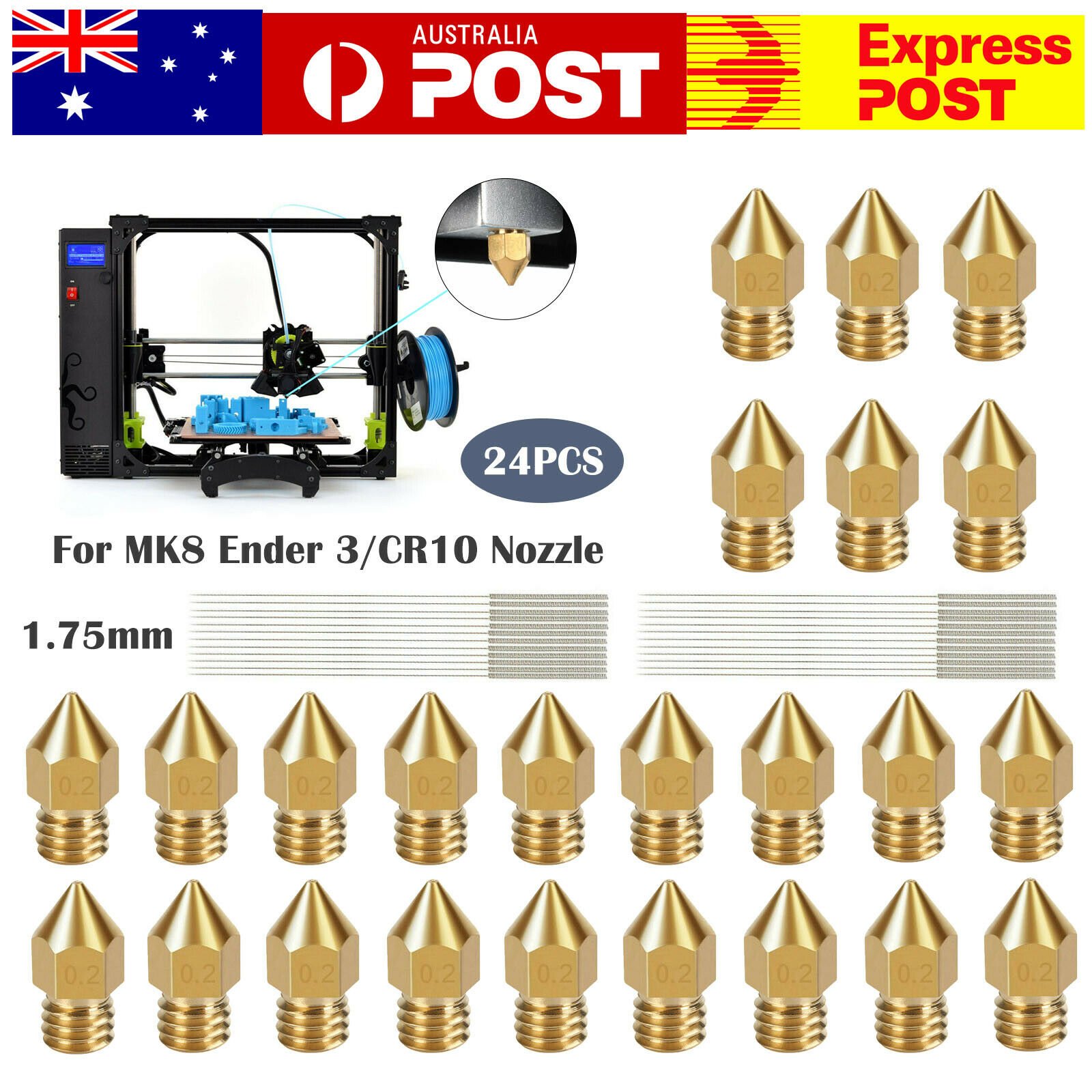
For nozzles, compare old and new geometry. For build plates, compare physical dimensions. For fans, compare size, voltage, connector, and cable route. For belts, compare pitch, width, and length. For sensors, compare connector, voltage, mount, and firmware support. For hotends, compare the full assembly and wiring. If anything is unclear, send a photo before ordering.
Ruyee Supply uses conservative compatibility language because 3D printer parts often look similar while using different dimensions, thread types, voltages, connectors, and firmware expectations. If a listing does not explicitly confirm your exact printer model, treat it as a candidate and compare the measurements before checkout.
Common places where parts differ
Similar printers can use different parts inside the same brand family.
How to use this brand-specific parts guide before checkout
Use this guide as a final filter before you add a product to the cart. Start with the printer or resin system you own, then compare the listing against the actual part you are replacing or the material you already use successfully. The best listing is not always the one with the lowest price; it is the one that makes the key dimensions, material, voltage, connector, size, or handling requirement easy to verify.
If you are buying a consumable, check the storage and use conditions as carefully as the product name. If you are buying a replacement part, compare the old part with the photos and specifications. For many 3D printer categories, one missing measurement can turn a good-looking product into the wrong product. When a product page does not answer an important fit question, choose a more specific listing or contact support before ordering.
For repeat purchases, save the confirmed specification after the first successful order. That makes future replacements faster and reduces the chance of mixing similar-looking parts from different printer families.
Brand-specific 3D printer parts buying checklist
- Write down exact brand, model, and printer version.
- Identify whether the item is a consumable, replacement part, or upgrade.
- Check dimensions, voltage, connector, material, and mount.
- Confirm whether the listing is official, compatible, or universal.
- Send photos and measurements before ordering uncertain parts.
Brand and model compatibility mistakes to avoid
- Searching by brand name only.
- Assuming all printers in the same series use the same part.
- Treating universal as confirmed compatible.
- Ignoring revision changes or toolhead differences.
Brand-specific 3D printer parts frequently asked questions
Can one nozzle fit every printer from the same brand?
No. Nozzle style depends on hotend design, not only printer brand.
Are compatible parts bad?
Not necessarily. Compatible parts can be useful, but dimensions and specifications must be checked before purchase.
What should I send if I need help?
Send the printer brand, exact model, part type, old part photos, measurements, connector details, voltage if relevant, and the product link.
About this brand-specific parts guide
Written by: Ruyee Supply Editorial Team. Last updated: September 2026.
Ruyee Supply writes buying guides for 3D printer owners who need practical replacement parts, consumables, and compatibility checks before ordering. We evaluate products by the details buyers can verify before checkout: printer model, part dimensions, material, voltage, connector type, package contents, and supplier listing clarity.
This guide uses conservative compatibility wording. A part may be a good candidate for your printer, but you should still compare the product listing with your printer manual, old part, slicer profile, or manufacturer documentation before purchase.
Sources and further reading
- Bambu Lab Wiki for printer, build plate, and maintenance documentation.
- Creality official blog and support resources for FDM printer parts, nozzles, and maintenance guidance.
- Formlabs Support for resin handling, resin printing, and safety references.
- UltiMaker Support for filament material guidance and FDM printing basics.